How do you show your jury how your design goes together?
Bridge Exploded PreviewExploded views · Rhino
One click pulls your Rhino model apart, with no two parts touching. One more click puts every part back exactly where it was.
Measured in Rhino 9 with the FutureBridge plug-in: an office chair (54 parts in 42 items) and a synthetic 5,000-part test scene. The on-screen motion then takes about one second.
Get it working in 5 steps
You need a FutureBridge account, the plug-in in Rhino, and the same account signed in inside Rhino. Here is the whole path.
-
1On fbridge.cloud
Create your free account
Open the sign-up page and enter your name, email, WhatsApp number and a password. Then open the email we send you and confirm your address.
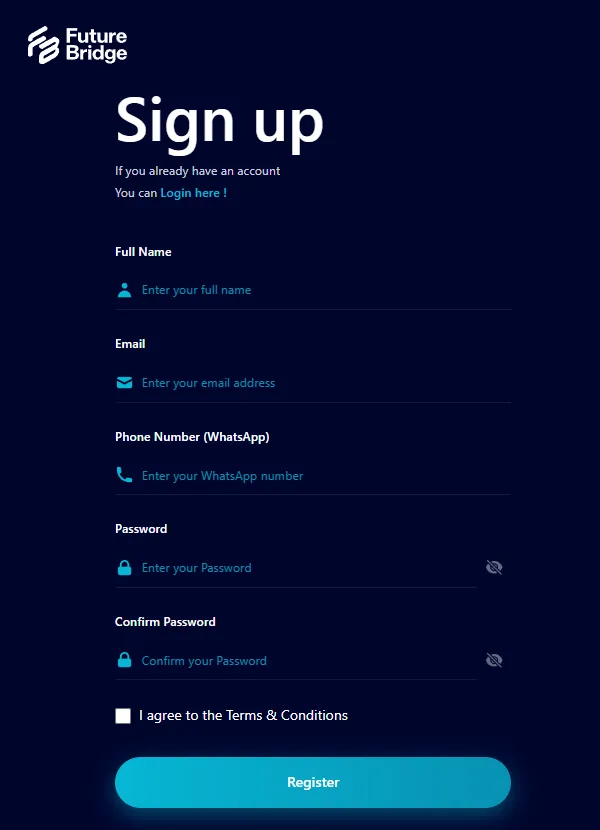
fbridge.cloud/signup -
2On fbridge.cloud
Download the plug-in for Rhino
Sign in on the site, open Rhino Plugin and press Download for Rhino.
Unzip the package and drag the plug-in file into your Rhino window. It works in Rhino 8 and Rhino 9 on Windows 10 / 11, and updates itself after that.
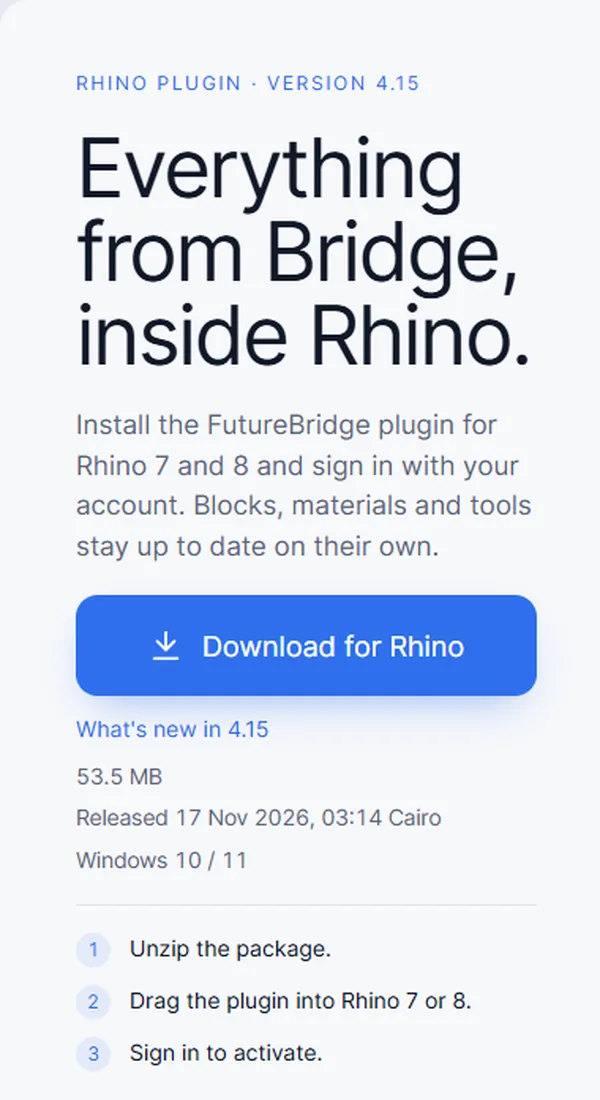
fbridge.cloud/rhino-plugin (after you sign in) -
3In Rhino
Sign in inside Rhino
The FutureBridge panel opens in Rhino. If you don't see it, type FutureBridge in Rhino's command line.
Sign in with the same email and password you used on the site.
Good to know: the account is free. Bridge Exploded itself opens on a paid plan: Basic, Pro or Enterprise (it is switched on in all three). You can pick a plan any time from Plans & Billing.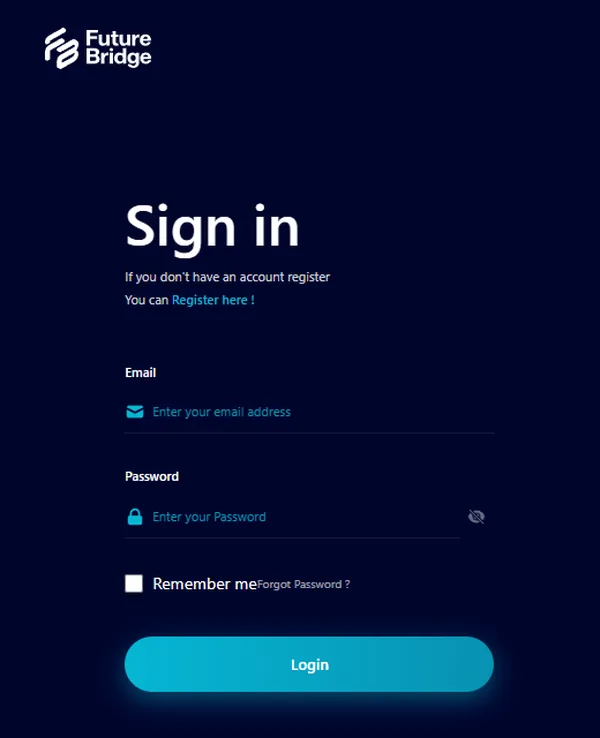
The sign-in screen inside the plug-in -
4In Rhino
Open Bridge Exploded
In the FutureBridge sidebar, click Bridge Exploded. The tool's panel opens next to your model.
Shortcut: the Explode / Assemble button in the Bridge Popup explodes your selection straight away. Press it again to put it back.

Bridge Popup 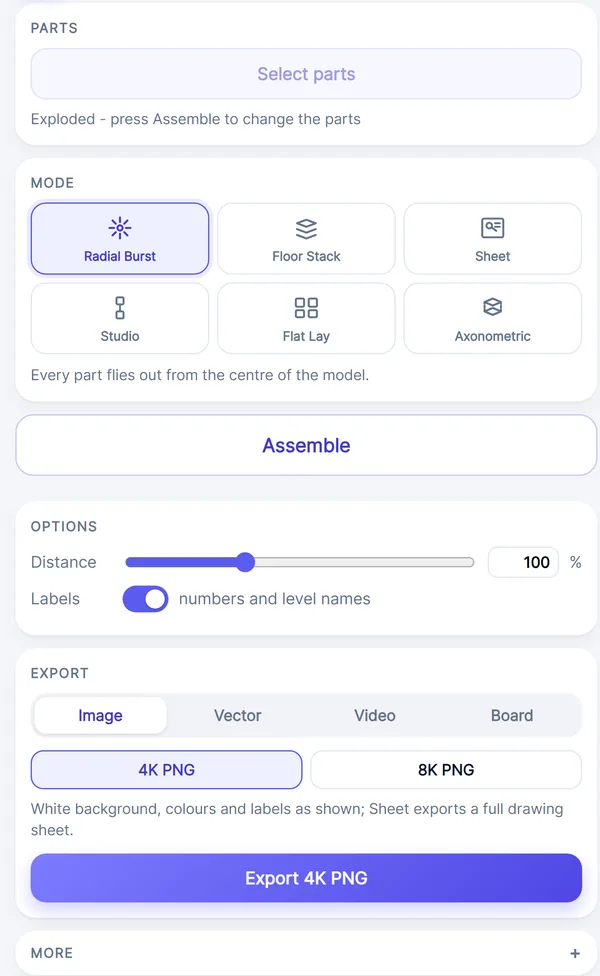
Bridge Exploded panel -
5In Rhino
Select, press Explode, export
Select your model (select nothing and it explodes everything visible), pick one of the six modes and press Explode.
Press the same button again, now called Assemble, and every part goes back exactly where it was.
Then export it as an Image, Vector drawing, Video or Board.
Real Rhino viewport: one click on Explode
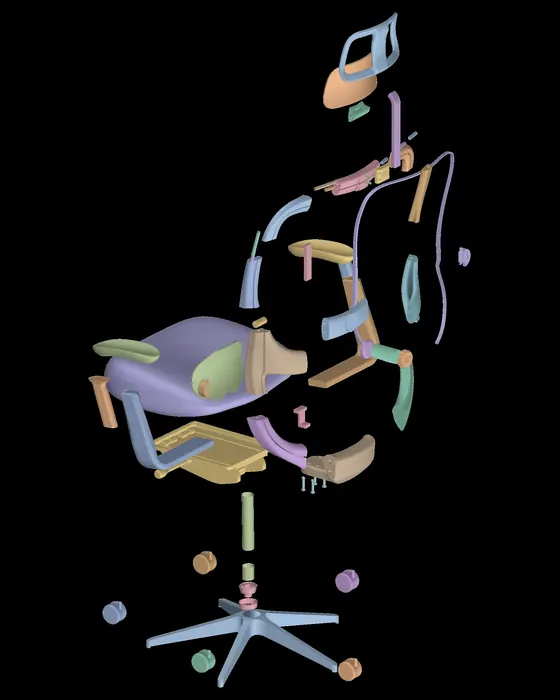
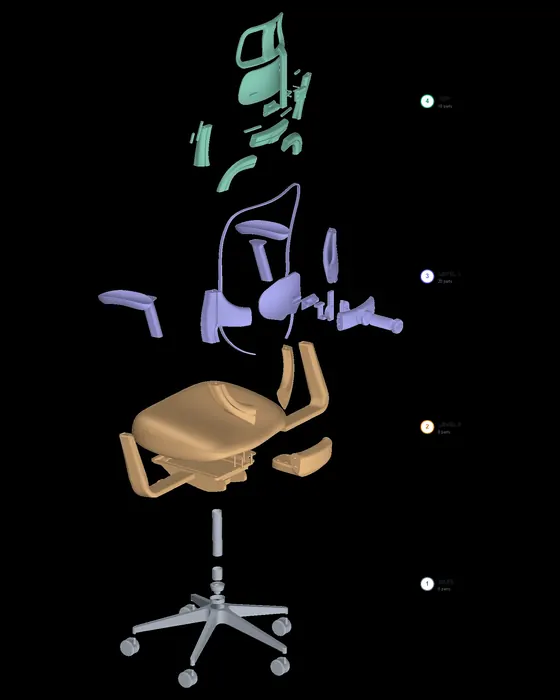
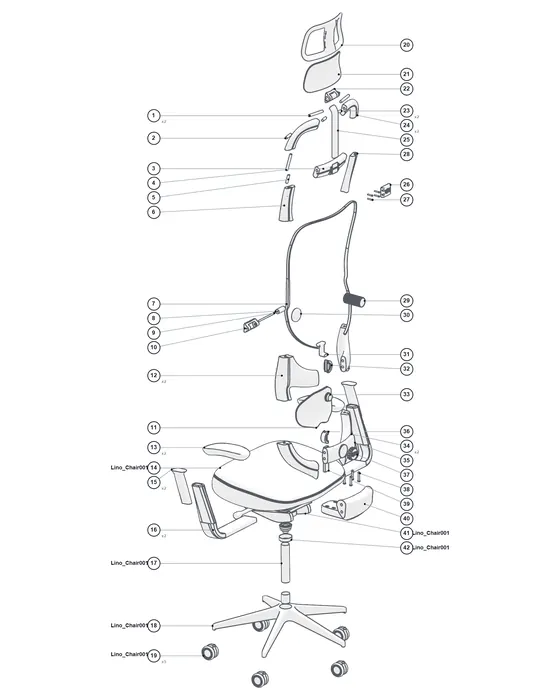
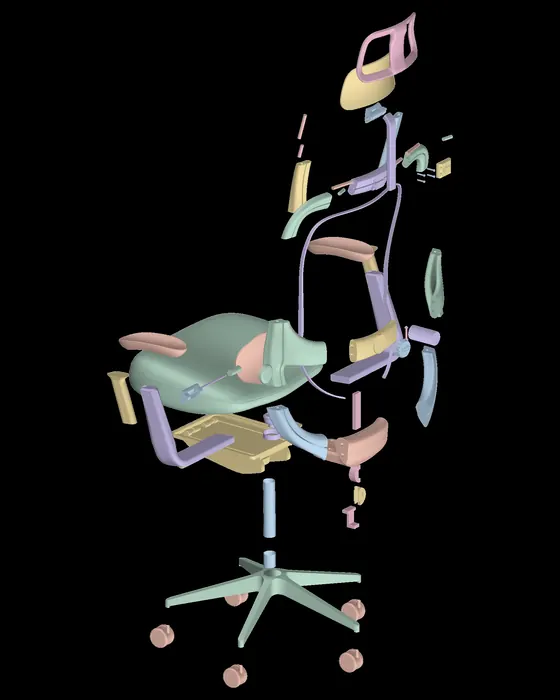
Six ways to pull it apart
Every picture on this page is a real output of the tool.
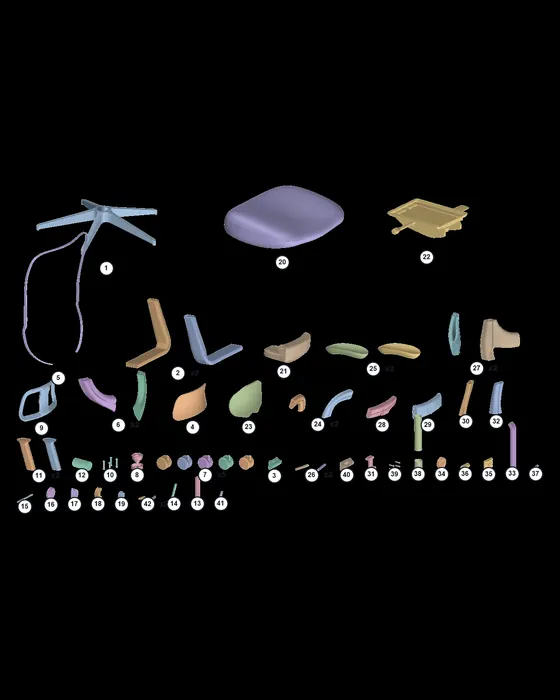
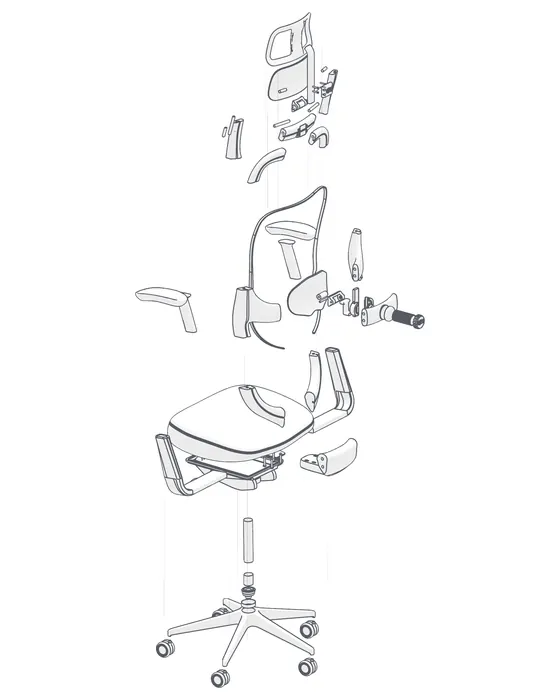
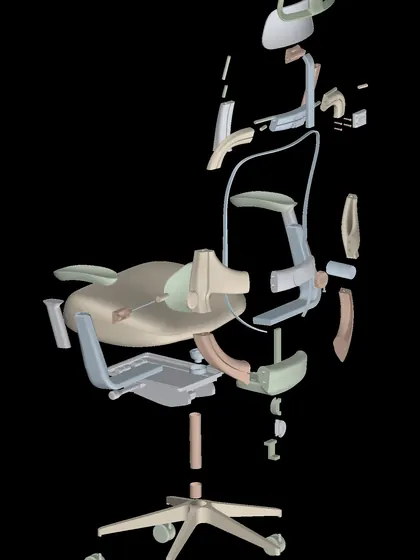
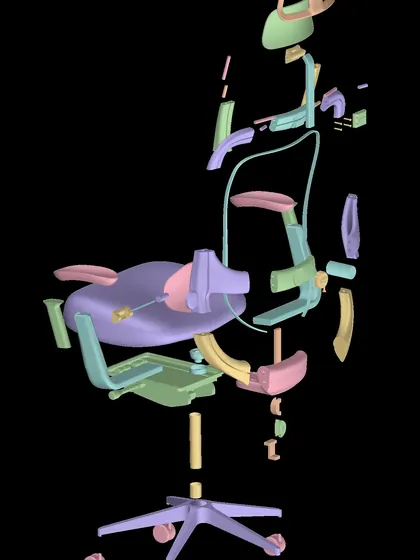
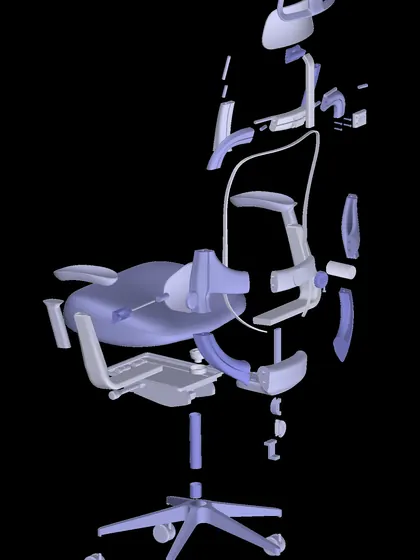
Pick the colours that fit
In Studio mode, switch the whole model between five colour sets.
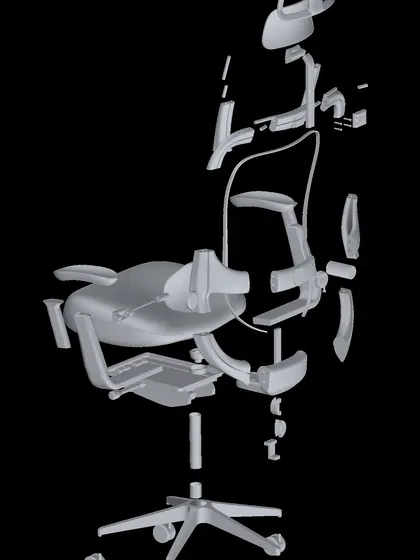
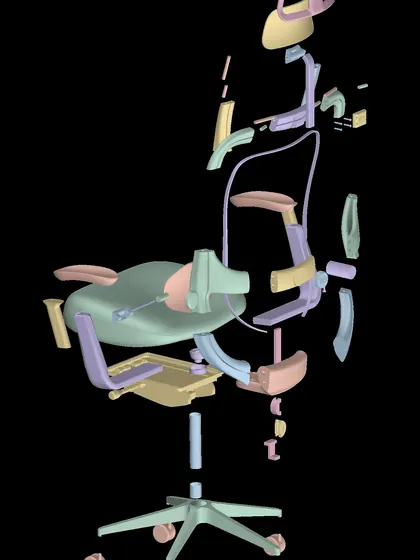
Drag, and the parts follow
Set how far the parts travel, from 50 to 200 %, and watch the model update while you drag. Labels (part numbers and floor names) switch on or off with one toggle.
A finished video in one click
Three ready styles that explode the model and bring it home again, or your own settings. The video renders in the background while you keep working.
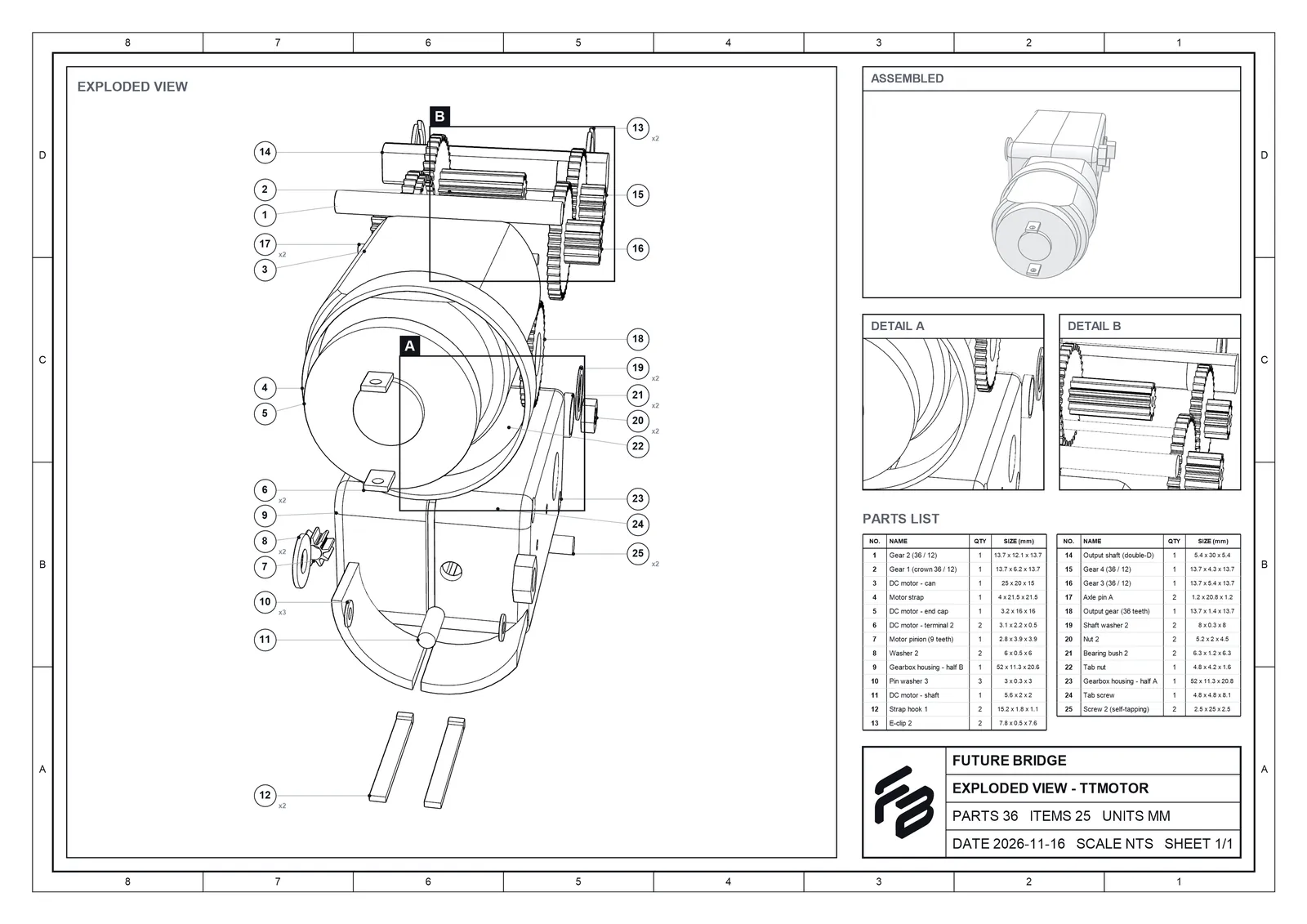
A presentation board, ready for the jury
An A3 board with the exploded view, close-up details and a full parts list, as a 4K or 8K PNG or a PDF. Three templates:
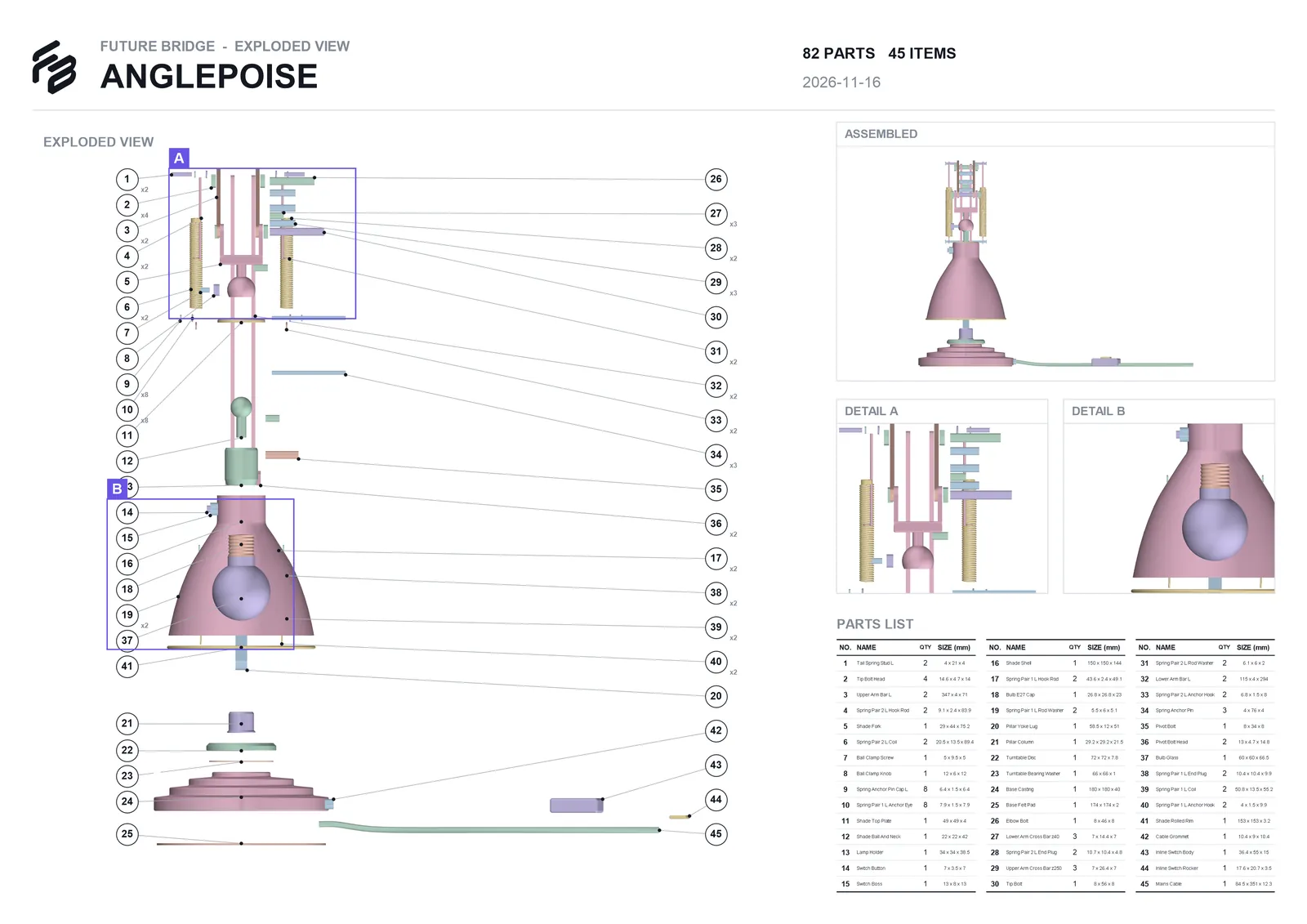
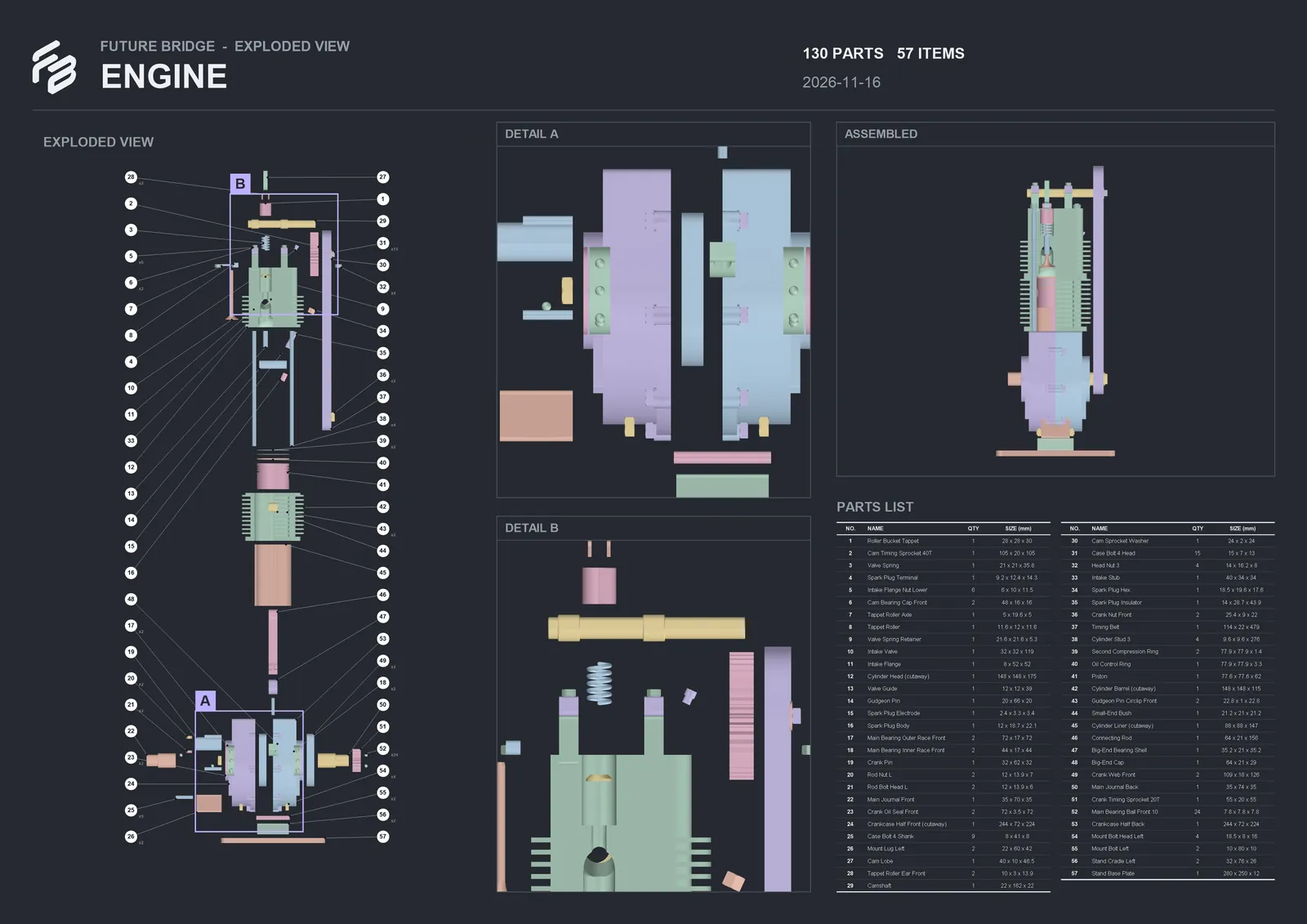
Every format you hand in
Pictures on a white background, vector drawings for print and CAD, videos and boards.
Show how your design goes together
Create your account, install the plug-in, press Explode.